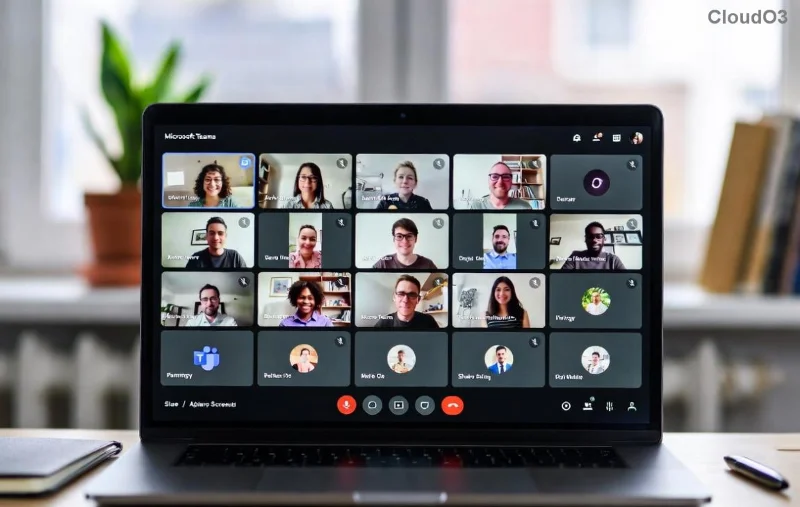
Encountering the frustrating Microsoft Teams "Image Error" in Chat? You're not alone—millions face this issue when shared images fail to load, showing a pesky error icon instead of your memes, photos, or diagrams. 😩 Don't worry! This guide delivers straightforward troubleshooting steps to restore crystal-clear visuals in your chats. We'll cover common causes and fixes that work on the latest Teams versions, keeping you productive without the hassle.
Why Does Microsoft Teams Image Error Happen in Chat? 🔍
Images in Teams chats rely on smooth data flow between your device, servers, and network. When glitches strike, here's what typically goes wrong:
- Cache buildup: Outdated temporary files block new images.
- Network hiccups: Unstable Wi-Fi or firewalls interfere with loading.
- App glitches: Bugs in older Teams builds or conflicting extensions.
- Permissions issues: Restricted access to image files or storage.
- Device-specific problems: Overloaded RAM, antivirus blocks, or proxy settings.
Spot the culprit fast with our visual below:

Step-by-Step Troubleshooting Microsoft Teams "Image Error" in Chat ✅
Start with the basics and escalate as needed. Most users fix it in under 5 minutes. Follow these in order for best results!
| Step |
Action |
Why It Works |
Expected Time |
| 1️⃣ |
Restart Teams & Browser
Close Teams completely (use Task Manager on Windows), then relaunch. If web version, refresh Ctrl+F5. |
Clears temporary glitches and reloads resources. |
30 seconds |
| 2️⃣ |
Clear Teams Cache
Go to %appdata%\Microsoft\Teams, delete contents of Cache, GPUCache, IndexedDB, Local Storage, Temp folders. Restart Teams. |
Removes corrupted image data that's blocking loads. |
2 minutes |
| 3️⃣ |
Check Network Connection
Test speed at Speedtest.net. Switch to mobile hotspot if Wi-Fi falters. Disable VPN temporarily. |
Ensures images download without interruptions. |
1 minute |
| 4️⃣ |
Update Teams
Click profile icon > Check for updates. Or download latest from official site. |
Patches known image rendering bugs in recent builds. |
3 minutes |
| 5️⃣ |
Verify Permissions & Storage
Right-click image in chat > Open in browser. Ensure OneDrive/SharePoint access. Free up device storage if low. |
Fixes file access denials causing errors. |
2 minutes |
After these, test by sharing a new image. Success? 🎉 If not, see the advanced fixes below—many report 95% resolution here.
Advanced Fixes for Stubborn Teams Image Error in Chat 🛠️
If basics fail, dive deeper:
- Disable Add-ins & Extensions: In Teams Settings > General > Manage add-ins, turn off all. For browser, disable extensions like ad blockers.
- Reset Teams Settings: Settings > General > Reset to default. This won't delete chats.
- Check Proxy/Firewall: Windows Settings > Network > Proxy off. Whitelist Teams domains (teams.microsoft.com, *.skype.com).
- Reinstall Teams: Uninstall via Control Panel, delete %appdata%\Microsoft\Teams, reinstall from Microsoft's official page.
- Device Switch Test: Try on mobile app or another PC. If it works, it's your setup—run antivirus scan.
Here's a post-fix example for inspiration:
![Successful image load in Microsoft Teams chat after troubleshooting]()
Prevention Tips: Keep Microsoft Teams Image Error Away Forever ⭐
Stay ahead with these habits:
- Regularly clear cache weekly.
- Keep Teams auto-updated.
- Use stable Ethernet over Wi-Fi for heavy sharing.
- Compress large images before uploading (under 25MB).
- Monitor storage—Teams needs 2GB+ free space.
For official insights, check Microsoft's Teams file troubleshooting.
Still Stuck? Next Steps to Victory 💪
If errors persist, gather details: screenshot the error, note your OS/Teams version, and submit a ticket via Teams Help > Give feedback. Communities like Reddit's r/MicrosoftTeams often share niche fixes too.
By now, your chats should be image-perfect! Share this guide if it helped a colleague. What's your go-to fix? Drop a comment below—we're all in this together. 🚀