Planning a high-stakes webinar? You're likely torn between Microsoft Teams and Zoom. Both power millions of virtual events, but which excels for webinars? We'll break down Microsoft Teams vs Zoom across essential webinar features like attendee capacity, engagement tools, security, and integrations. Stick around – our comparison table and insider tips will help you pick the winner for your next event. 🚀

🔥 Core Webinar Features: Head-to-Head Comparison
At the heart of any great webinar is seamless delivery. Here's a quick Microsoft Teams vs Zoom snapshot in our easy-to-scan table. (Pro tip: Zoom shines for massive audiences, while Teams integrates effortlessly with Office tools.)
| Feature |
Microsoft Teams |
Zoom |
Winner |
| Max Attendees (Webinar Mode) |
10,000 viewers (Live Events) |
1,000 participants |
⭐ Teams for scale |
| Polling & Q&A |
✅ Native polls, Q&A, reactions |
✅ Advanced polls, Q&A, reactions |
Tie – Both excellent |
| Breakout Rooms |
✅ Up to 50 rooms |
✅ Up to 100 rooms |
Zoom |
| Screen Sharing & Whiteboard |
✅ PowerPoint Live, collaborative whiteboard |
✅ Advanced sharing, whiteboard |
Teams (Office synergy) |
| Recording & Analytics |
✅ Cloud recording, attendance reports |
✅ Cloud/local, detailed dashboards |
Zoom (deeper insights) |
| Registration & Customization |
Basic via Forms |
✅ Full registration pages, branding |
Zoom |
Curious why these matter? Keep reading for deeper dives that reveal hidden gems. 👇
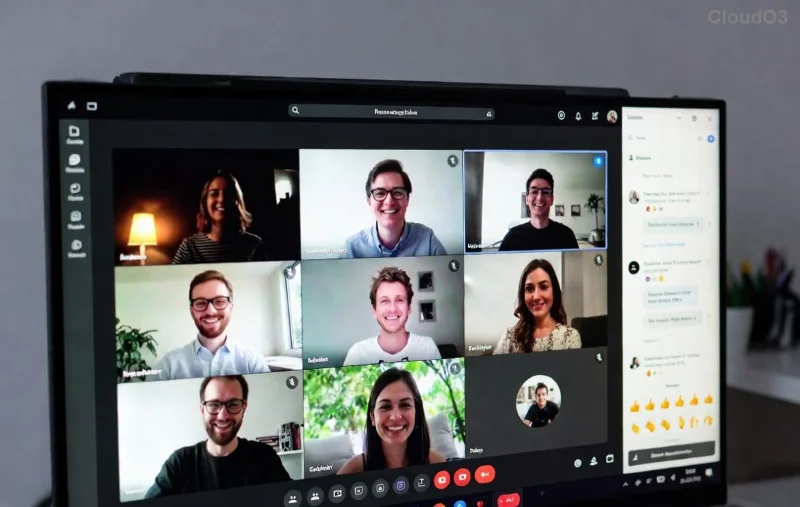
![Zoom webinar dashboard with attendee engagement]()
1️⃣ Attendee Capacity: Scale Your Webinar Dreams
Zoom webinars handle up to 1,000 interactive participants with panelists, perfect for mid-sized events. But for mega-webinars? Microsoft Teams Live Events support 10,000 viewers via streaming – ideal for keynotes or product launches. Recent updates boosted Teams' reliability for large-scale broadcasts without lag.
Real-world tip: If your audience tops 500, go Teams. Smaller? Zoom's interactivity wins. Ready for engagement tools? Next up...
2️⃣ Engagement Superpowers: Polls, Q&A, and More
Keep viewers hooked! Both platforms offer polls, Q&A, emojis, and chat. Zoom edges with customizable waiting rooms and spotlight views for panel discussions. Teams counters with seamless Microsoft Forms integration for quizzes and Yammer for post-event buzz.
- ✅ Zoom: 20+ question types, anonymous polls.
- ✅ Teams: AI-powered insights on engagement.
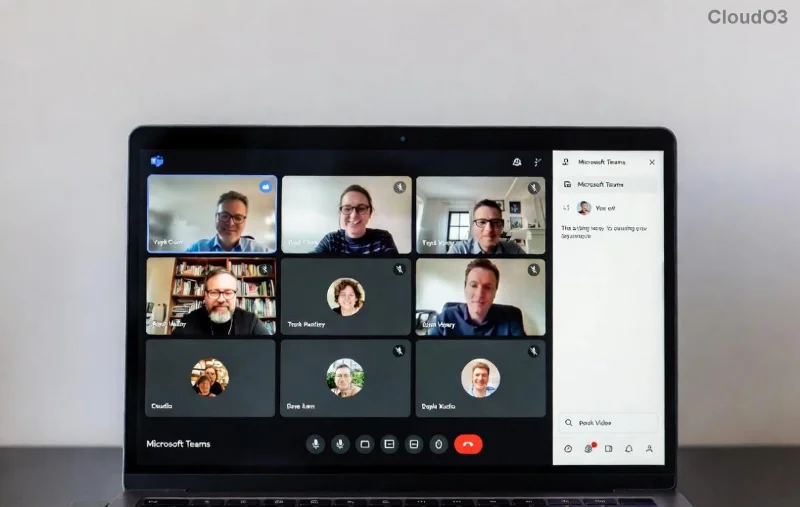
Breakout rooms? Zoom supports more (100 vs Teams' 50), great for workshops. But Teams' Together Mode feels more immersive. Which fits your style?
![Microsoft Teams live event with large audience]()
3️⃣ Integrations & Ecosystem: Plug-and-Play Perfection
Microsoft Teams vs Zoom shines here based on your stack. Teams natively links with Outlook, PowerPoint, and OneDrive – auto-scheduling webinars from calendars. Zoom integrates broadly via Zapier, HubSpot, and Eventbrite for marketing pros.
Latest enhancements: Teams now embeds Stream for on-demand replays; Zoom's API powers custom apps. Enterprise users love Teams' compliance with Microsoft 365.
🔒 Security & Reliability: No Room for Glitches
Both prioritize safety. Zoom offers end-to-end encryption and waiting room locks. Teams adds enterprise-grade features like sensitivity labels and multi-factor auth. Downtime? Both boast 99.99% uptime in recent reports.
For compliance-heavy industries (GDPR, HIPAA), check Teams compliance or Zoom security.
💰 Pricing Breakdown for Webinars
| Plan |
Teams |
Zoom |
| Basic Webinars |
Included in E3/E5 ($36+/user/mo) |
Pro: $15/user/mo (100 attendees) |
| Large-Scale |
Live Events add-on |
Webinar: $40/mo (500 attendees) |
Zoom is cheaper for solos; Teams bundles value for teams. (Pricing as of latest updates – verify on sites.)
Final Verdict: Choose Your Webinar Champion
Microsoft Teams dominates for enterprise scale, Microsoft lovers, and integrated workflows. Zoom rules for polished registration, massive interactivity, and affordability.
- 👉 Pick Teams if: You're in the Microsoft ecosystem or need 10k+ viewers.
- 👉 Pick Zoom if: Customization and breakouts are key.
Test both free trials! What's your top webinar feature? Drop a comment – let's chat. Your perfect platform awaits. 🎉